When you hear the words "photo editing", you might be thinking of an expert at graphic design, sitting in front of a state-of-the-art computer and using expensive software to turn mediocre pictures into digital masterpieces.
I'll let you in on a little secret – there's a free website called ANYMAKING.COMthat lets you edit and add fun effects to your photos. And best of all, it's wonderfully simple!
| ||
 | ||
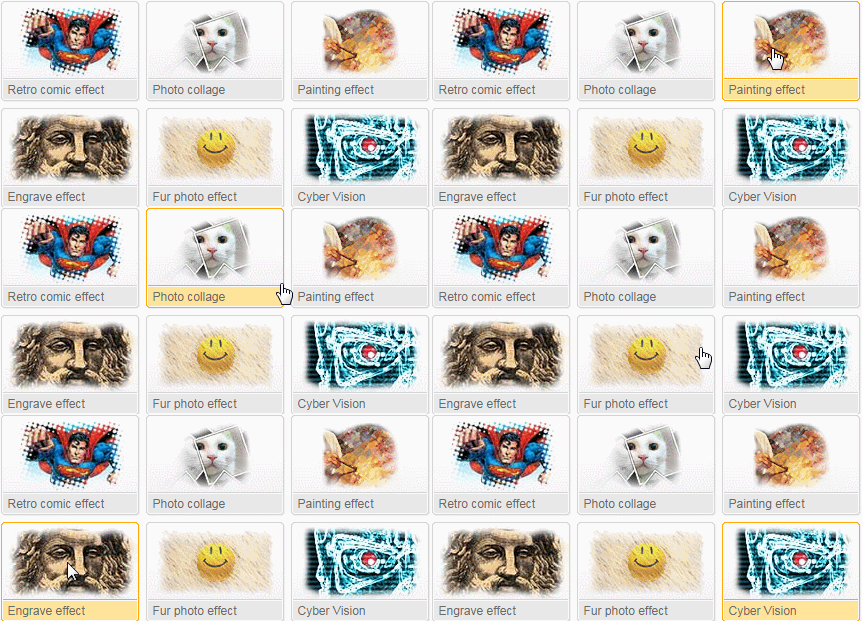
This tutorial will teach you how to use the special effects section of the site. You'll be able to turn your photos into Andy Warhol style pop art, give them an old photograph look, make them look like an old oil painting and much more:
Using ANYMAKING.COM:
| ||
 | ||
 When you are done and happy with the result, click on When you are done and happy with the result, click on  Click on Click on  and select a photo you have saved on the computer and select a photo you have saved on the computer
Don't be afraid to experiment with different effects.
Some inspirational examples:
| ||
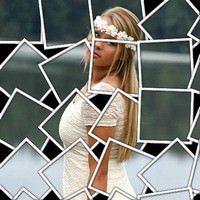  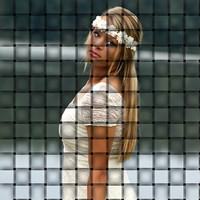 | ||
| Original | Weave | Collage |
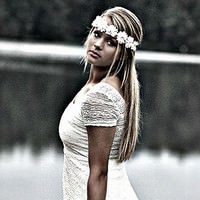  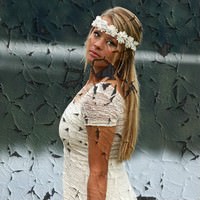 | ||
| Gritty | Old Photo | Chipped Painting |
  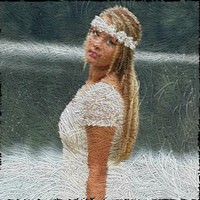 | ||
Friday, 12 June 2015
The Best & Easiest Photo-Enhancing Site

